New
Sovereign AI: private AI infrastructure on hardware you rent or own, fully managed.
NewSovereign AI: private AI infrastructure on hardware you rent or own, fully managed.
TurbOS®
TurbOS® gives engineering teams a complete, tested platform for modeling and simulation. Log in, load a code, get a result, with no Linux builds, driver setup, or command line required. Every result is reproducible, on a workstation, a cluster, a private cloud, or an air-gapped data center.





















What is TurbOS®?
So teams can focus on results, not setup
TurbOS® is built in three layers. The operating system is Rocky Linux/RHEL, chosen for US security compliance. On top of it sits the software runtime environment: compilers, libraries, and build tools. On top of that are your applications, such as MCNP, LAMMPS, and OpenMC.
One automated pipeline builds and tests all three layers, so every node runs an identical image. Your simulations behave the same way on a workstation, a cluster, or a data center.

Operating system, scheduler, drivers, libraries, and monitoring come ready to run. No integration work or driver configuration.

Simulation codes need locked recipes. Change one library and you can get the wrong answer. TurbOS® pins every version in one master image and stores job logs centrally, so results can be traced and repeated.

Built on Rocky Linux/RHEL for US security compliance. Designed by engineers with 100+ years of combined national laboratory experience. Validated for export-controlled and government-regulated workloads.

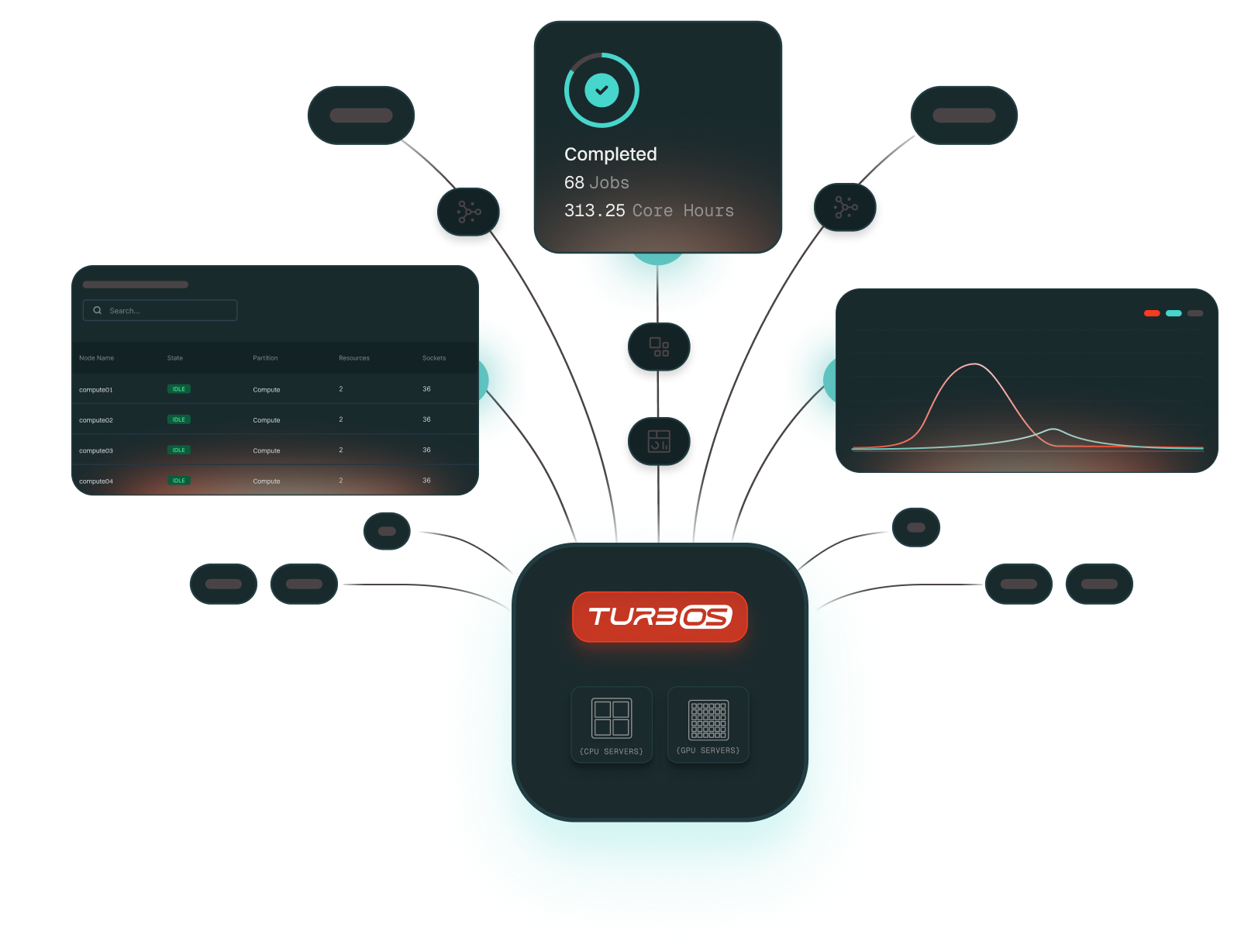
TurbOS® Dash tracks CPU and GPU usage by user and project. IT and leadership can view utilization and export cost data from the dashboard.

Runs with no internet dependency on workstations, on-prem clusters, and private or sovereign clouds. Each classification level normally needs its own environment. TurbOS® sanitizes hardware and switches compartments through software, turning a six-month change into 30 minutes.

A national lab took 31 days to run a nuclear detection simulation. We ran the same job in 12 days on off-the-shelf hardware. In a 15-day queue wait for shock physics results, we ran 173 more simulations on two nodes.
Features
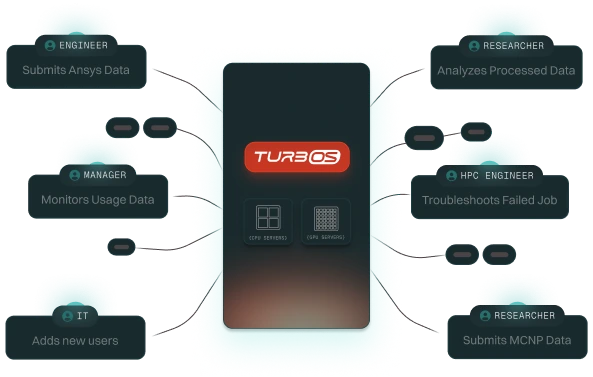
From engineers and researchers to IT administrators, every user can do in minutes what used to take hours by hand. It replaces the complexity of command-line management with a simple interface so you can launch jobs, monitor performance, and manage clusters in just a few clicks.
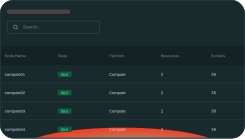
Lists every compute system connected and its live utilization
Lists every compute system connected and its live utilization
Lists every compute system connected and its live utilization
Lists every compute system connected and its live utilization
Lists every compute system connected and its live utilization
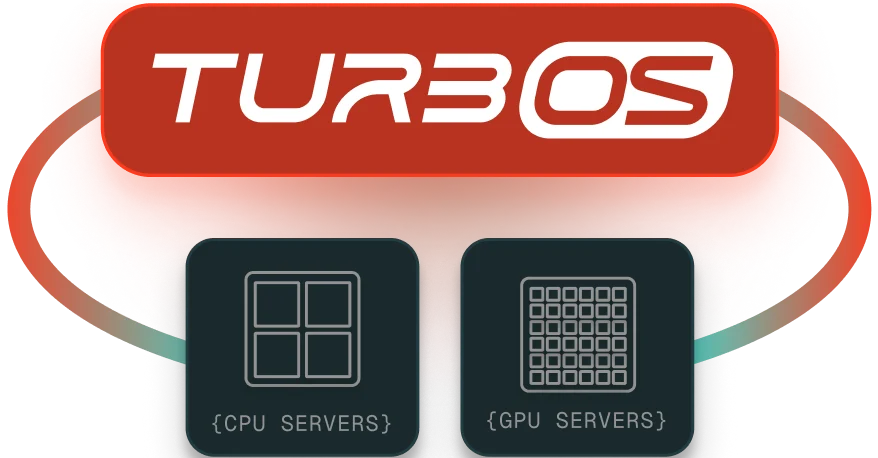
TurbOS® manages CPU and GPU workloads through the Slurm scheduler. It sends each job to the right processors based on its requirements, keeping utilization balanced for simulation and modeling.

Most HPC systems are built by hand. Each team configures Linux, schedulers, and drivers on its own, and over time that creates version drift, package mismatches, and failed updates that break results. TurbOS® removes that risk with an automated CI/CD pipeline. It pulls trusted Linux bases, adds validated packages, runs continuous tests, and delivers one image ready for any environment. That’s also why TurbOS® stays separate from fast-moving AI tools. Your physics codes stay locked down while everything around them keeps improving.
Bring TurbOS® online in an hour, on-prem or in our hosted private cloud, with a complete, validated software stack ready for real workloads from day one.
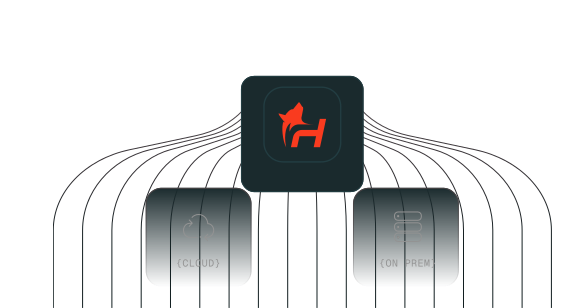
Prepare and launch simulations or AI models through TurbOS® Dash in just a few clicks, no manual setup or command-line expertise required.
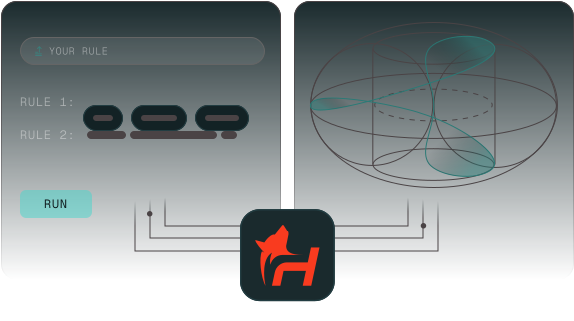
TurbOS® intelligently distributes jobs across CPU and GPU resources, leveraging pre-installed and optimized packages for high-efficiency parallel computing.

Visualize results, load analysis tools, or interact with built-in AI models for deeper insight and faster decision-making.
Monitor usage, users, jobs, and hardware from one dashboard, with real-time visibility into performance, project spend, and troubleshooting.

Testimonials

I rebuilt a dashboard that ties together my accounting, my CRM, everything -far more complex than what I’d built before with Codex, and it cost about $60 instead of $600 in tokens. If not less.

Optimization for Applications
TurbOS® simplifies how teams run simulation and AI workloads by creating optimized environments for every application. Each runs as intended with no manual setup or dependency issues.

Ready to Run application - Pre integrated and validated apps launch instantly in fully configured environments. The TurbOS Certified badge ensures reliability and performance across releases.


Add and tune your own applications using built in tools while maintaining consistency and control.
A multi-physics simulation code for modeling shock physics, hydrodynamics, and material response under extreme conditions such as impact or detonation.
A computational fluid dynamics (CFD) solver for modeling fluid flow, heat transfer, and aerodynamic performance across complex geometries and propulsion systems.
A high-frequency electromagnetic simulation tool used for designing and analyzing antennas, radar systems, and RF components in aerospace and defense applications.
A Monte Carlo simulation package for particle physics, used to model particle interactions and radiation transport in matter for nuclear and high-energy physics applications.
A NASA-developed CFD solver for simulating viscous flows over complex aerospace configurations, specializing in turbulence modeling and aerodynamic analysis.
A cosmological simulation code for modeling the evolution of large-scale structure, dark matter dynamics, and galaxy formation in the universe.
A fully integrated particle physics Monte Carlo simulation package used for the interaction and transport of particles in matter.
A molecular dynamics simulation package for studying biomolecular systems, protein folding, and chemical interactions at the atomic level.
A classical molecular dynamics simulator for modeling materials science, chemistry, and soft matter systems with millions of particles.
A Monte Carlo neutron and particle transport code for nuclear reactor design, radiation shielding, and criticality safety analysis.
A numerical computing environment for algorithm development, data analysis, visualization, and engineering simulations across multiple disciplines.
A parallel molecular dynamics code for simulating large biomolecular systems, optimized for high-performance computing on supercomputers.
An open-source CFD toolbox for simulating fluid flow, heat transfer, and multiphase flows in engineering and industrial applications.
An open-source Monte Carlo particle transport code for reactor physics, criticality, and shielding analysis.
An automated variance reduction tool for Monte Carlo radiation transport calculations, used to optimize shielding and detector response simulations.
A shock physics code for modeling high-velocity impact, penetration, and explosive detonation events in defense and materials research.
Questions, Answered
Still deciding? Talk to our team about your workloads and we will map out the numbers with you.
What is TurbOS®?
TurbOS® is a full-stack HPC platform from Hoonify for modeling and simulation. It replaces the patchwork of Linux builds, schedulers, drivers, and monitoring tools teams configure by hand with one validated image that runs the same way on workstations, on-prem clusters, private clouds, and air-gapped facilities. Engineers submit jobs and track results through TurbOS® Dash, with no command-line expertise required.
How long does it take to deploy TurbOS®?
TurbOS® can be brought online in under an hour, on-premises or in a hosted private cloud. Deployment uses a fully automated process - there is no manual Linux configuration, driver installation, or scheduler tuning required. The platform arrives as a complete, validated software stack that is ready for real workloads from day one.
This stands in contrast to traditional HPC setups, which typically require days or weeks of manual configuration work before the first job can be submitted.
What hardware does TurbOS® run on?
TurbOS® runs on standard x86-64 hardware from Intel and AMD, and supports NVIDIA and AMD GPUs. Our growing list of validated hardware partners include Dell, HP, Supermicro, 2CRSI, and Hypertec. The platform supports workstations, multi-node clusters, and private cloud infrastructure, allowing organizations to leverage existing hardware investments without procuring proprietary systems.
What simulation and AI applications are pre-installed on TurbOS®?
TurbOS® ships with a growing library of TurbOS® Certified applications that are pre-integrated, tested, and ready to run without additional configuration. Supported applications include Ansys Fluent, Ansys HFSS, OpenFOAM, LAMMPS, GROMACS, NAMD, LANL MCNP, SNL CTH, ORNL ADVANTG, CERNFLUKA, CFL3D, ALE3D, MATLAB, and GadgeT-4, among others.
Teams can also integrate their own applications using built-in tooling while maintaining environment consistency. The TurbOS® Certified partner program allows independent software vendors to validate and optimize their applications for the platform. Contact Hoonify for more details on how to join our partner program.
What schedulers and operating systems does TurbOS® support?
TurbOS® uses Slurm as its workload scheduler and runs on enterprise Linux distributions including Red Hat Enterprise Linux (RHEL) and Rocky Linux. The platform manages both CPU and GPU workloads through Slurm's scheduler and runtime environment, automatically allocating jobs to the appropriate processor type based on requirements.
Because TurbOS is distributed as a single master image, every node in a deployment runs identical software, eliminating version drift and scheduler misconfiguration across sites.
Can TurbOS® run in an air-gapped or classified environment?
Yes. TurbOS® has no internet dependency and supports export-controlled and classified work. It can sanitize hardware and switch between classification compartments through software, so one set of hardware can serve multiple levels.
How does TurbOS® handle chargeback and usage reporting?
TurbOS® includes built-in usage tracking through TurbOS® Dash. IT administrators and program managers can filter resource consumption by user, project, and date range, and export cost data directly from the dashboard. GPU and CPU utilization is tracked per job, enabling accurate cost allocation across teams and departments.
This eliminates the need for third-party monitoring tools and gives leadership real-time visibility into platform spend without custom instrumentation.
Get Started
Tell us about your workloads and hardware. An HPC engineer will follow up with a deployment plan for your cloud, your data center, or an air-gapped site.
Talk to an HPC engineer
Loading form…
No spam. We use this only to follow up about your workloads.